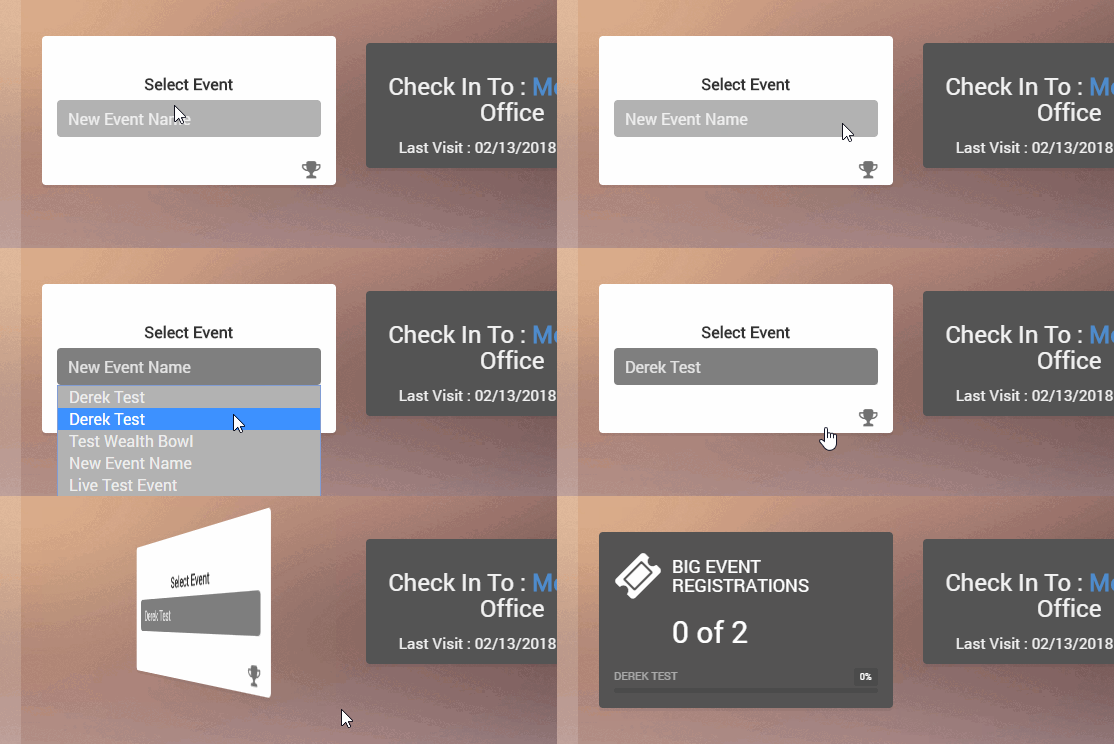
To change the Dashboard indicator for Big Events, simply hover over the indicator and click the box. You should see a list of your big events. Select the one you want to see and your stats will change to reflect it. This will also change the stat you see on your mobile dashboard.