

To change the base shop points total you can make an adjustment to an entry by clicking the arrows icon here on the production tracker page:
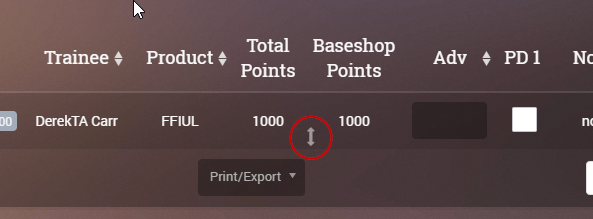
When you click the adjustment icon, you will be presented with a popup:
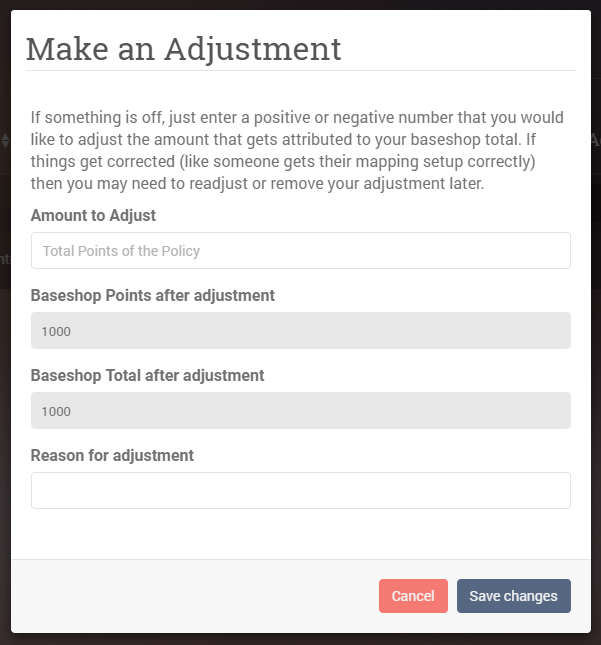
As an example, if your base shop points are short by 500 points on this entry, then enter 500 and put a reason for the adjustment (for your future reference, just in case you forget). If your base is being given too many points, then you can enter a negative number like -500.